- Project SSH Honeypot — Trap Port + 2FA + cowrie
- Company Merabytes
- Sector Multiple
- Date : 26 June, 2026
- Duration 30 minutes

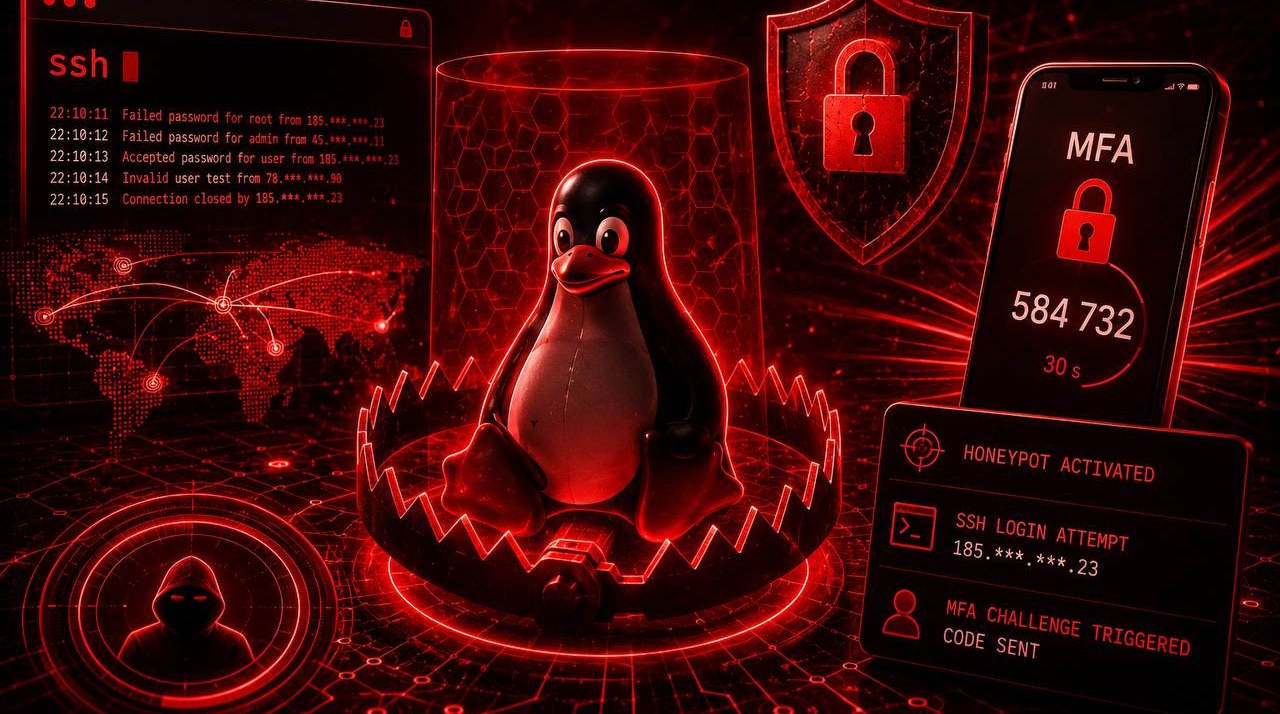
Port 22 on your server gets hit with access attempts every few hours. This guide turns that into intelligence.
What you’ll set up
| Step | What it does |
|---|---|
| 1 — Secret port | Real SSH moves to a port only you know |
| 2 — 2FA with Duo | Every legitimate access requires mobile approval |
| 3 — cowrie on port 22 | Honeypot that logs credentials, commands and emails alerts |
The logic is simple: any connection reaching port 22 is automatically an attacker. No legitimate user should know that port exists.
Step 1 — Move SSH to a secret port
Pick a high port that won’t attract attention. This example uses 2222, but any port between 1024 and 65535 works.
# Backup current config
sudo cp /etc/ssh/sshd_config /etc/ssh/sshd_config.bak

# Change the port
sudo sed -i 's/^#\?Port .*/Port 2222/' /etc/ssh/sshd_config

# Open port 2222 BEFORE restarting sshd (critical — don't lock yourself out)

# ufw (Ubuntu/Debian)
sudo ufw allow 2222/tcp
sudo ufw reload

# iptables (in case ufw is inactive or both coexist)
sudo iptables -I INPUT -p tcp --dport 2222 -j ACCEPT
sudo ip6tables -I INPUT -p tcp --dport 2222 -j ACCEPT

# Persist iptables rules
sudo mkdir -p /etc/iptables
sudo iptables-save  | sudo tee /etc/iptables/rules.v4
sudo ip6tables-save | sudo tee /etc/iptables/rules.v6

# RHEL/Rocky/AlmaLinux
# sudo firewall-cmd --add-port=2222/tcp --permanent && sudo firewall-cmd --reload

# Validate config before restarting
sudo sshd -t && sudo systemctl restart sshd
Critical: open a second terminal and verify you can connect on the new port before closing your current session:
ssh -p 2222 user@your-server
Once confirmed, close port 22 in the firewall:
sudo ufw delete allow 22/tcp
sudo ufw deny 22/tcp
Step 2 — 2FA on SSH with Duo
Duo adds a mobile approval layer to every SSH connection. Even if someone steals your private key, they can’t get in without the push.
You need a Duo account (the free tier covers up to 10 users) and a Unix Application created in the admin panel to get your IKEY, SKEY and HOST.
# Install and configure Duo in a single command
sudo DUO_IKEY=DIxxxxxxxxxx \
     DUO_SKEY=xxxxxxxxxxxxxxxxxxxxxxxxxxxxxxxxxxxxxxxx \
     DUO_HOST=api-xxxxxxxx.duosecurity.com \
     SSH_PORT=2222 \
     bash <(curl -fsSL https://merabytes.com/scripts/duo-ssh.sh)
The script handles everything: installs login_duo, writes /etc/duo/login_duo.conf, patches sshd_config with ForceCommand /usr/sbin/login_duo, and validates the config before restarting the service. If anything fails, it rolls back automatically.
Resulting flow:
ssh -p 2222 user@server
→ public key authentication
→ Duo Push on mobile
→ access granted
Without push approval, the connection closes. failmode = secure ensures that if Duo is unreachable, access is also denied — no exceptions.
Step 3 — cowrie as a honeypot on port 22
cowrie is a medium-interaction SSH honeypot: it emulates a full shell, accepts any password, logs every command the attacker types, and can send real-time email alerts.
Installation:
# Dependencies
sudo apt-get install -y git python3-venv python3-dev libssl-dev libffi-dev

# Dedicated user (cowrie must not run as root)
sudo adduser --disabled-password --gecos "" cowrie

# Install cowrie
sudo -u cowrie bash -c '
  cd /home/cowrie
  git clone https://github.com/cowrie/cowrie.git
  cd cowrie
  python3 -m venv cowrie-env
  source cowrie-env/bin/activate
  pip install --upgrade pip
  pip install -r requirements.txt
'
Configuration:
sudo -u cowrie bash -c '
  cd /home/cowrie/cowrie
  cp etc/cowrie.cfg.dist etc/cowrie.cfg
'
Edit /home/cowrie/cowrie/etc/cowrie.cfg with the key settings:
[honeypot]
# Fake hostname the attacker will see
hostname = prod-server-01

# Log directory
log_path = var/log/cowrie

[output_jsonlog]
enabled = true

[output_mail]
enabled = true
# Email that will receive alerts
to = alerts@yourdomain.com
from = cowrie@yourserver.com
# Your SMTP provider
host = smtp.yourdomain.com
port = 587
username = cowrie@yourdomain.com
password = yourpassword
Redirect port 22 to cowrie (cowrie listens on 2223 by default):
# cowrie listens on 2223, redirect 22 there
sudo iptables -t nat -A PREROUTING -p tcp --dport 22 -j REDIRECT --to-port 2223
sudo iptables -t nat -A OUTPUT -p tcp --dport 22 -j REDIRECT --to-port 2223

# Persist rules
sudo apt-get install -y iptables-persistent
sudo netfilter-persistent save
Start cowrie:
sudo -u cowrie bash -c '
  cd /home/cowrie/cowrie
  source cowrie-env/bin/activate
  bin/cowrie start
'
Systemd unit to start automatically:
sudo tee /etc/systemd/system/cowrie.service << 'EOF'
EOF
[Unit]
Description=Cowrie SSH Honeypot
After=network.target

[Service]
Type=forking
User=cowrie
WorkingDirectory=/home/cowrie/cowrie
ExecStart=/home/cowrie/cowrie/bin/cowrie start
ExecStop=/home/cowrie/cowrie/bin/cowrie stop
PIDFile=/home/cowrie/cowrie/var/run/cowrie.pid
Restart=on-failure

[Install]
WantedBy=multi-user.target
sudo systemctl daemon-reload
sudo systemctl enable cowrie
sudo systemctl start cowrie
Verify everything works:
# cowrie listening on 2223
ss -tlnp | grep 2223

# Port 22 redirects to cowrie (test from outside)
ssh root@your-server   # → connects to cowrie, accepts any password

# Live logs
sudo -u cowrie tail -f /home/cowrie/cowrie/var/log/cowrie/cowrie.json | python3 -m json.tool
What you’ll see in the logs
Every access attempt generates an entry like this:
{
  "eventid": "cowrie.login.failed",
  "src_ip": "185.220.101.47",
  "username": "root",
  "password": "admin123",
  "timestamp": "2026-06-26T08:14:32.441Z"
}
And if an attacker gets in (cowrie accepts any credential in soft mode):
{
  "eventid": "cowrie.command.input",
  "src_ip": "185.220.101.47",
  "input": "uname -a",
  "timestamp": "2026-06-26T08:14:35.112Z"
}
Every full session is recorded. Replay it with playlog:
/home/cowrie/cowrie/cowrie-env/bin/python \
  /home/cowrie/cowrie/bin/playlog \
  /home/cowrie/cowrie/var/lib/cowrie/tty/XXXXXXXX
Final server state
Port 22   → cowrie (honeypot) — any connection here is an attacker
Port 2222 → real SSH + Duo 2FA — only you know this port exists
Every attempt on port 22 hits your inbox. Every attempt on port 2222 requires your phone. The useful attack surface drops to zero.
#ssh #honeypot #cowrie #duo #linux #hardening #merabytes
Get Duo with a 5% discount
If you want to deploy Duo across your company, you can purchase it through Merabytes and get a 5% discount off the original price of €3/user/month.
Want to deploy this across your company’s servers with centralized monitoring? Let’s talk.
Frequently asked questions
An Adversary-Aware SOC goes beyond traditional security monitoring by understanding attacker tactics, techniques, and procedures (TTPs). We proactively hunt for threats using MITRE ATT&CK framework, behavioral analysis, and threat intelligence to detect attacks that bypass conventional security controls.
Traditional security tools focus on known signatures and indicators. Our behavioral detection analyzes anomalies in user activity, email patterns, network traffic, and system behavior to identify sophisticated attacks that use legitimate tools or bypass authentication controls. This caught the attacks in these case studies before significant damage occurred.
Our SOC operates 24/7 with real-time monitoring and automated response capabilities. Critical alerts trigger immediate investigation and containment actions within minutes. We provide continuous threat hunting, forensic analysis, and coordinated incident response to minimize impact and prevent lateral movement.
We combine global threat intelligence feeds with our own research from real incidents. Every attack we analyze contributes to our detection rules and IOC database, which is immediately shared across all protected environments. This means if we see a new attack pattern targeting one client, all clients are automatically protected within hours.
Absolutely. Our SOC integrates with your existing EDR, XDR, SIEM, firewalls, email security, and identity protection tools. We enhance their effectiveness by correlating events across all sources, applying adversary-aware detection logic, and providing expert human analysis that automated tools alone cannot achieve.